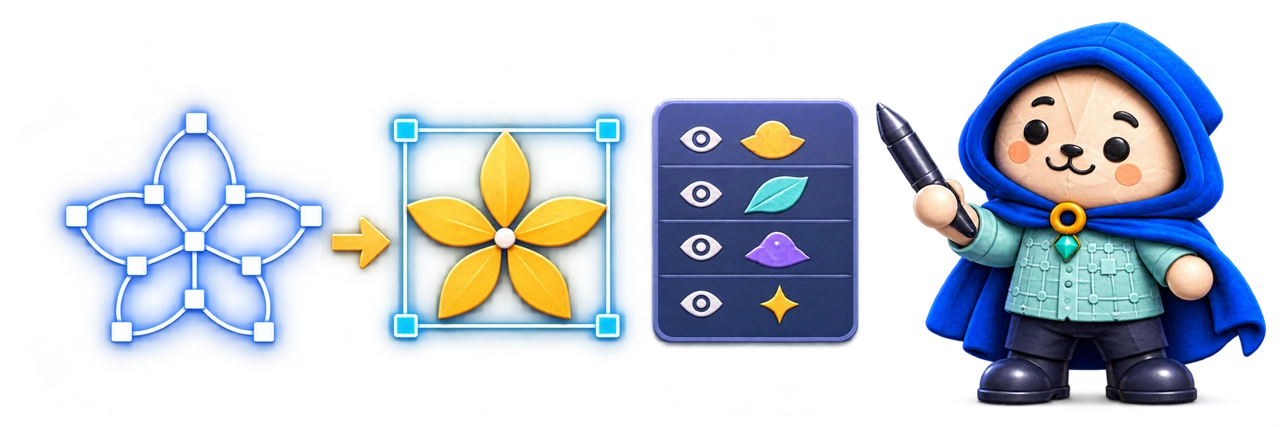
SVG Workshop is meant to reveal the objects people can see inside a vector file and make them easier to work with.
An SVG can contain a useful icon, character or decorative group while still being awkward to work with. What looks like one object on the canvas may be several nested groups, paths, transforms and references. Editing the XML is possible, but it is not a friendly way to find one visual element.
SVG Workshop is intended to connect a visual canvas to an inspectable layer tree. Selecting what you can see should identify the underlying element; selecting a group in the tree should show its place in the artwork. The aim is understandable structure and practical reuse, with the original file preserved.
What it is designed to do
The capabilities, in detail.
Turn opaque vector art into visible, selectable, reusable structure.
Connect the canvas and the layer tree
Import an existing SVG and inspect supported groups, paths, shapes and text through coordinated visual and structural views. Hover highlighting and selection should help reveal which object is under the pointer, especially when the composition contains overlapping or nested content.
Select with the precision the artwork needs
The proposed selection model includes click, rectangle, circle, lasso and multi-selection, with the layer tree available when direct targeting is ambiguous. Hidden, locked and grouped content need clear feedback so an operation applies to the intended objects.
Extract useful work into a new asset
A selected icon or group could become a standalone SVG or a derived document. The important dependencies may include definitions, gradients, masks, clipping and transforms, not only the selected path. Extraction should preserve what the result needs and identify unsupported cases.
Organize across document tabs
Meaningful names, hide-and-restore controls and multiple open documents would make inspection and reuse more practical. Moving content between tabs should preserve document boundaries and its relationship to the source, rather than silently turning the original into the working experiment.
Add deeper editing in deliberate phases
Point editing, path operations, appearance controls, alignment and richer typography are later directions. The first useful experience should prove reliable selection and extraction before expanding into a broad illustration suite. Imported active content and remote references also require constrained handling.
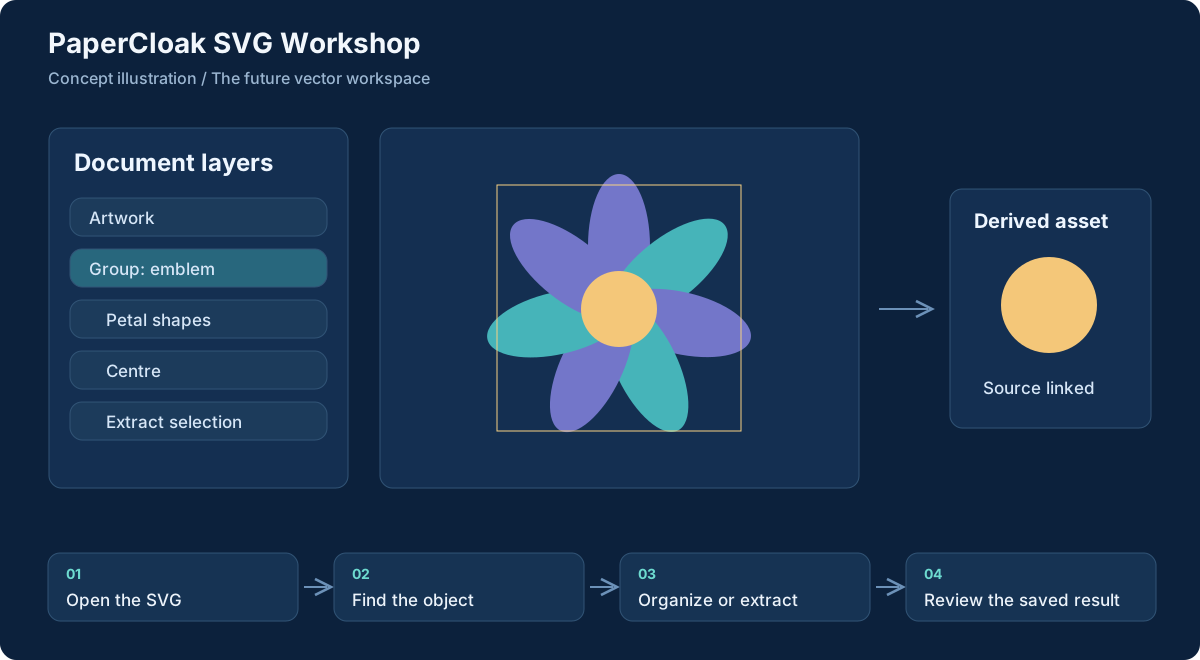
Workflow concept, illustrated. Select the graphic to open it at full size.
From input to useful result
How the work moves through.
01
Open the SVG
Bring in an existing vector file or a reconstruction from Img2SVG-GL.
02
Find the object
Use hover, the canvas selection tools and the layer tree to identify the intended content.
03
Organize or extract
Name, hide, inspect or move the selection into a derived asset while preserving the source.
04
Review the saved result
Check that styles and dependencies remain useful in the exported SVG.
A concrete example
Pull one reusable icon out of a larger illustration
A developer has a large SVG composition and needs one small symbol for an interface. The intended Workshop experience lets them inspect the layer structure, select the symbol and confirm that the selection includes the paths and definitions it relies on.
The extracted SVG becomes a derived asset with a clear relationship to its source. The original illustration remains intact, and an unsupported mask or reference is surfaced instead of quietly disappearing from the result.
What comes out of the work
Results you can understand.
Extracted SVG assets
Useful selections saved as independently reusable vector material.
Organized working documents
Clearer layer names and document structure for continued work.
Traceable derived files
A visible relationship between a source illustration and the pieces taken from it.
Built around
Principles that shape the product.
Visual object selection
Structural cleanup
Reusable vector output
Connected work
A clear role in the family.
Img2SVG-GL can provide reconstruction inputs.
Art and Flow can consume clean vector material.
Worth understanding
Questions and boundaries.
Does Workshop convert photographs into vectors?
That is the role of Img2SVG-GL. Workshop begins with SVG that already exists, including output from a reconstruction engine.
Will it support every SVG feature immediately?
No. A defined supported subset and clear handling of unsupported features are essential to the first useful version.
Does extraction overwrite the source?
The direction is to preserve the original and make edited or extracted work explicit as a copy or derived document.