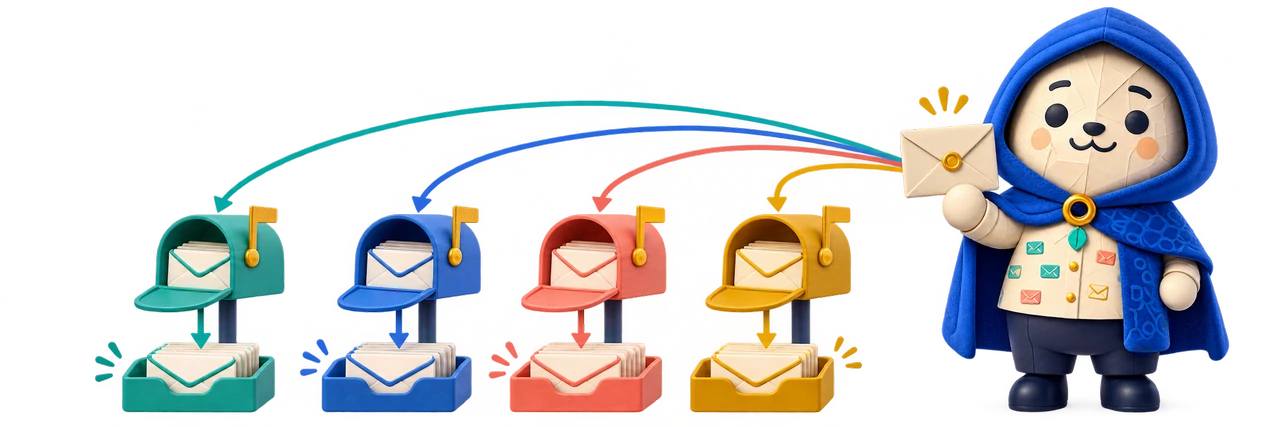
All Mail brings separate email accounts into one workspace without forcing a merged inbox.
Work, personal and business accounts serve different purposes. Moving between websites is distracting, but merging every inbox loses useful boundaries. All Mail proposes one workspace with each account's inbox, folders and sending identity still visible.
The concept reuses the PaperCloak Ink shell rather than inventing another isolated application. A left-side environment bar would switch between writing and mail, retaining useful tabs and panel state. Inside Mail, account navigation, a message list and a reading pane would provide familiar structure. Colour and labels could distinguish contexts without becoming the only way to identify them.
What it is designed to do
The capabilities, in detail.
Reuse the Ink shell for mail and supported documents while preserving account identities.
Accounts stay recognizably separate
Selecting an account would open that account's inbox and folders. Personal, work and business labels could help organize the workspace, while the account identity stays visible when reading or composing. The central promise is convenient access across accounts, not a mandatory combined stream or forwarding everything into another provider.
Switch environments without losing your place
The intended environment bar separates the writing workspace from the mail workspace. Returning to Mail should restore useful context such as the selected account and open message tabs. Retained working state does not require every connection to stay alive; mobile memory, reconnect behavior and persistence still need explicit design.
Keep attachments beside their message
Supported attachments could open in Ink document tabs while their source message remains accessible. That would make reading a document and replying about it feel connected. DOCX, XLSX and Markdown integration is a reuse goal, with actual format support, conversion fidelity and safe attachment handling to be verified before connection.
Build around provider-owned mail
Delivered mail would remain with the original provider. A browser cache would support previously fetched content, while the proposed relay would carry encrypted traffic rather than become a central plaintext mailbox. Encryption of settings and browser-side TLS are architecture targets; they are not audited guarantees, and the device and delivered application remain trusted components.
Make offline limits understandable
Previously cached messages and local drafts form the proposed offline foundation. The product would need to show what is downloaded, what is pending and what still requires a connection. Sending, retries and queued actions need careful recovery rules so an ambiguous connection failure does not quietly duplicate a message or lose a draft.
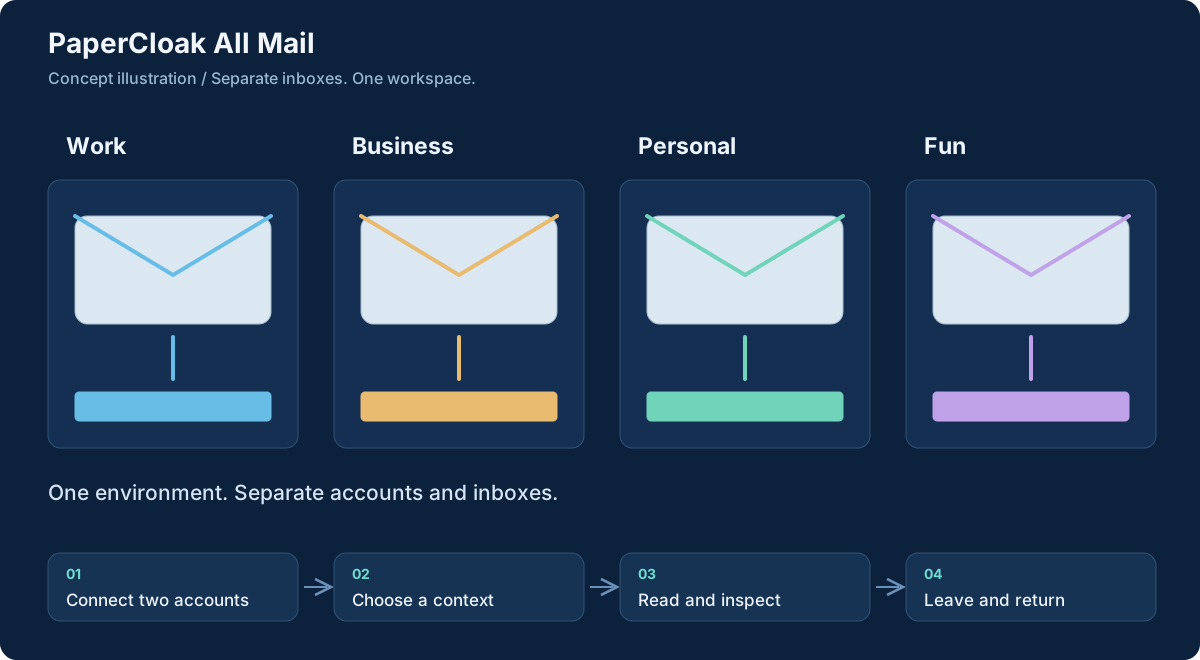
Workflow concept, illustrated. Select the graphic to open it at full size.
From input to useful result
How the work moves through.
01
Connect two accounts
The first useful milestone would prove authentication and provider access with two separate accounts, before adding a broad compatibility promise.
02
Choose a context
Select the relevant account and folder. Keep its identity visible in the list, reading pane and any eventual composition view.
03
Read and inspect
Read a message and, where supported, open its attachment in a document tab. Preserve the relationship between the file and the conversation.
04
Leave and return
Switch back to writing, then return to the selected mail context. Reconnect and offline states should explain what has changed or remains unavailable.
A concrete example
A work document without the account confusion
An independent professional has a personal account, a client-facing business address and a volunteer mailbox. They open the business inbox, read a request and inspect an attached document beside the message. The volunteer account stays separate instead of contributing unrelated messages to the same reading queue.
They switch to Ink to prepare their response material, then return to the business message. In the intended experience, the selected account and useful tabs remain available. Replying would clearly show the business identity. This illustrates the planned workflow, not a demonstration of sending or attachment support already implemented.
What comes out of the work
Results you can understand.
Distinct account workspaces
Separate inboxes, folders and identities in one interface.
Connected document views
Supported attachment tabs beside the message that supplied them, subject to integration testing.
Visible local working state
Cached reading material and drafts with clear offline and synchronization boundaries.
Built around
Principles that shape the product.
Separate account inboxes and folders
Provider-owned mail with a local browser cache
Retained environments and attachment tabs
Connected work
A clear role in the family.
Ink supplies the intended workspace and document-viewing integration.
Compass is an adjacent home for project context; connecting mail to projects remains future work.
Worth understanding
Questions and boundaries.
Is this a new email provider?
No. The concept is a client for existing accounts. Their providers remain authoritative for delivered mail.
Does it work with every provider?
That has not been established. Authentication, provider restrictions and the proposed relay need feasibility testing before compatibility claims.
Are sending and AI assistants available?
No. The first proposed milestone is read-only access to separate accounts. Sending, advanced search, optional AI helpers and background notifications are later work.